Your sources, together.
Add an M3U playlist or sign in with your Xtream provider. Keep live channels, movies and series neatly separated.
 IPTVNexus
Coming soon · iPhone / iPad / Apple TV
From a quick catch-up to a proper movie night. Give your channels, movies and series a home that feels made for your screen.
Bring your own M3U playlist or Xtream provider. No channels or subscriptions included.
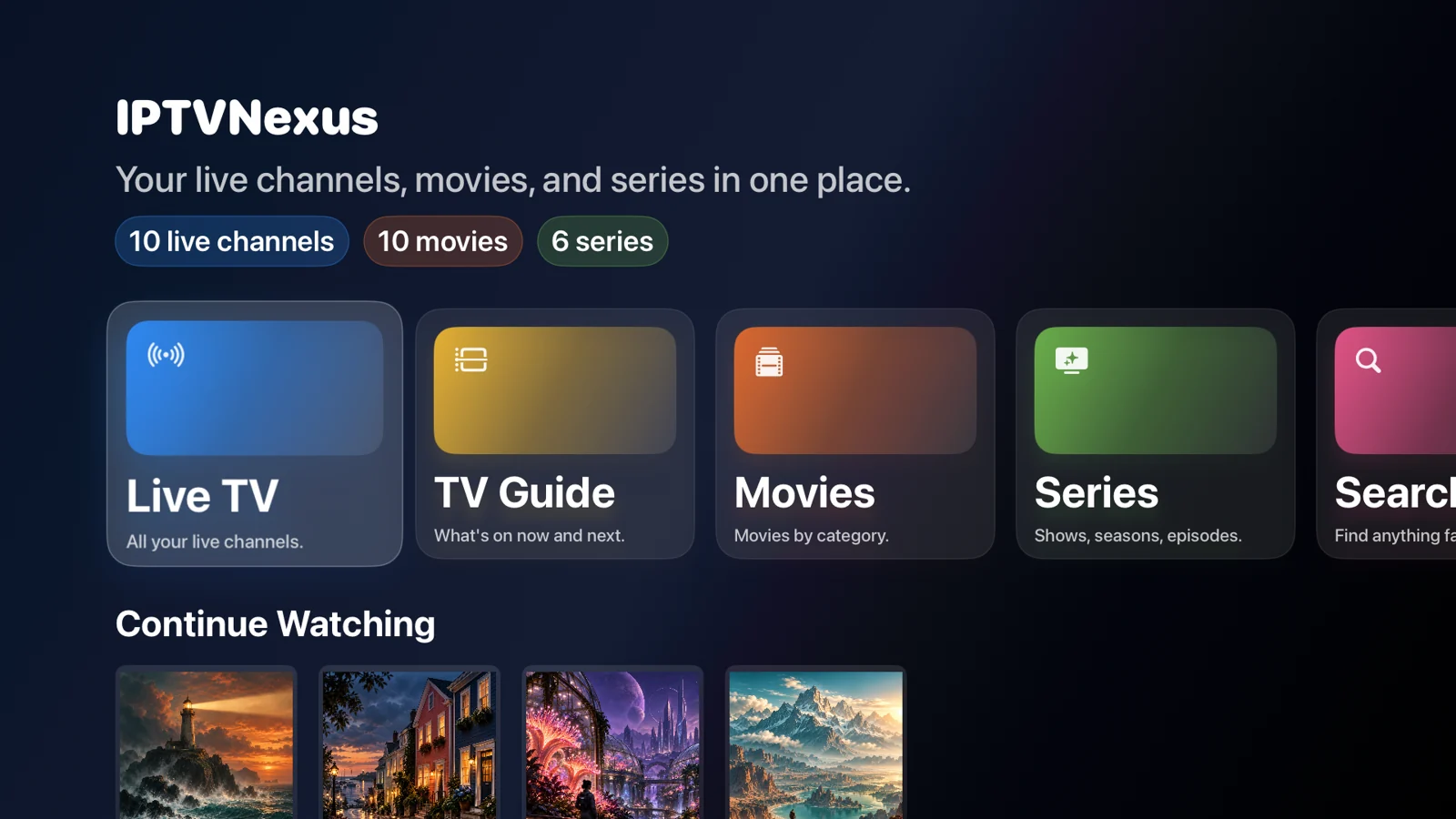
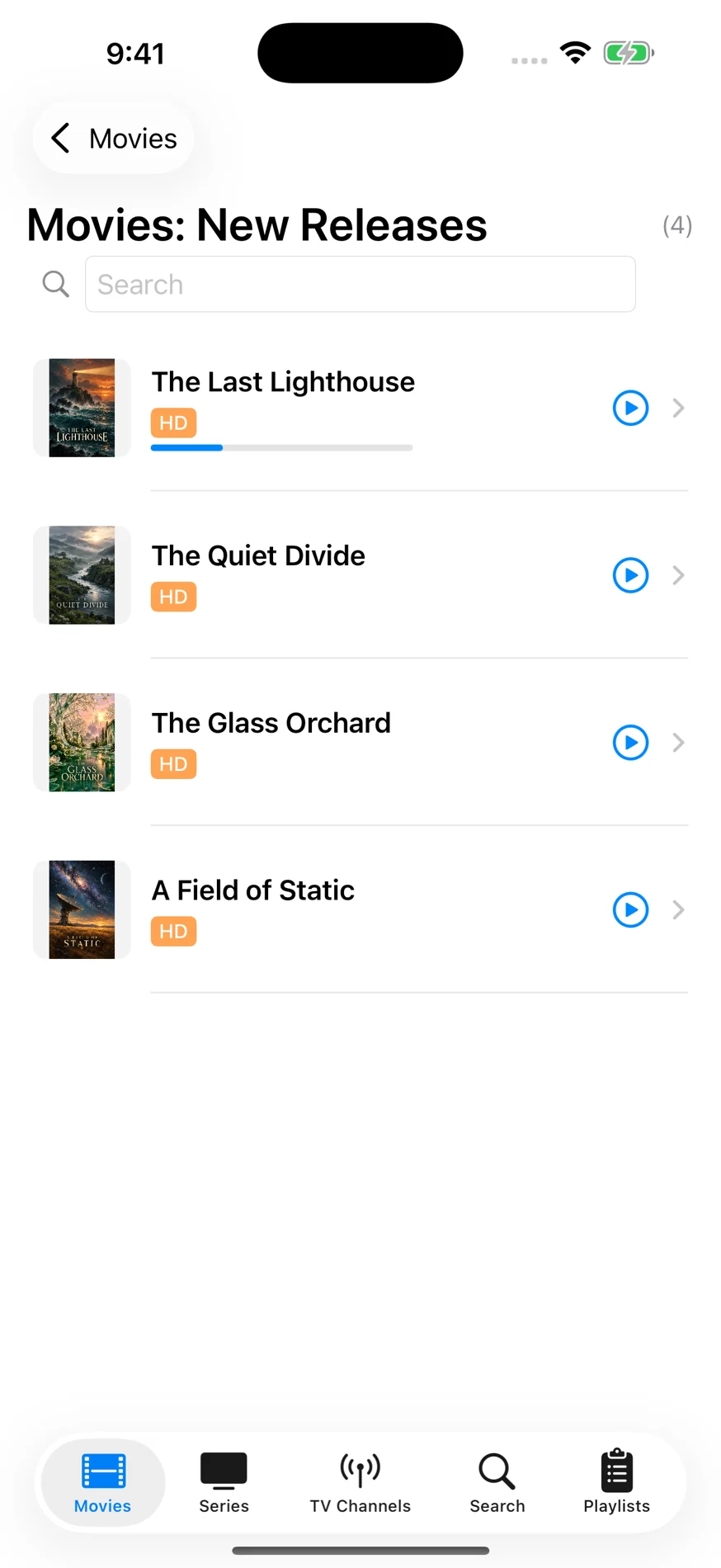
01 / A closer look
Choose a screen. Explore the library.
This interactive screenshot tour gives you a feel for the app before it arrives.
02 / Less searching. More watching.
A player built around the way you watch, with thoughtful details from the first import to the next episode.
Add an M3U playlist or sign in with your Xtream provider. Keep live channels, movies and series neatly separated.
Explore program listings and the Apple TV guide grid. Your provider’s guide data brings the schedule to life.
Full guide · ProChoose a time on the Apple TV movie timeline. Pick audio and subtitle tracks from a clear, dedicated menu.
Resume movies and episodes, manage your recently watched list, and keep series activity grouped together.
Keep favorites close and explore Smart Surf shelves. Optional private iCloud sync shares favorites and watch progress across your devices.
Favorites & Smart Surf · ProYou choose the sources. IPTVNexus does not sell channels or include a television subscription. Connect content you’re authorized to watch.
Use an M3U playlist URL or the Xtream login details supplied by your provider.
Import your source and browse its groups, channels, movies and available series.
Pick a title, choose your tracks, and enjoy it on iPhone, iPad or Apple TV.
04 / Keep things simple
Start free. Unlock more with a single Pro purchase. No recurring subscription to IPTVNexus.
Provider services are separate and may charge their own fees.
$14.99 USD / once
Planned US launch price. Local pricing and taxes may vary; the App Store price at purchase applies.
Free tier: one playlist source, live TV and movie browsing/playback. Pro unlocks player features, not channels.
05 / Good to know
No. You bring your own authorized playlist or provider account. The fictional library in these screenshots is for illustration and is not included in the app.
No. This is an interactive screenshot tour of the native app, not a browser IPTV player. Your playlist and login details belong in the app; this page does not ask for them.
IPTVNexus supports M3U playlists and Xtream provider logins. Channel availability, playback, audio, subtitles, guide coverage and catch-up depend on your source and the content it offers.
No. Pro is an optional one-time purchase. It unlocks additional player features. Any subscription you have with a content provider is separate.
IPTVNexus is being tested ahead of its App Store release for iPhone, iPad and Apple TV. We’ll add the download link here when it’s available.
Visit IPTVNexus support for setup help and contact details. You can also read our privacy policy.
IPTVNexus · Coming soon for iPhone, iPad and Apple TV.
Explore the app